Customize your Waiting Room in Zoom
Did you know that you can customize your Waiting Room in your Zoom meetings? Think about the possibilities! You can pose a math Problem of the Day, post a topic you will be discussing, or even a riddle!


Did you know that you can customize your Waiting Room in your Zoom meetings? Think about the possibilities! You can pose a math Problem of the Day, post a topic you will be discussing, or even a riddle!

Some students are receiving a message that reads “This meeting is for internal use only sign in…” Not to worry–they simply need to sign in. Students need to be logged in to their district Google account and log into Zoom via Google using this same district account in order to enter your Zoom meetings. For…

If you teach Health, P.E., Technology, Music, Theater, or Art, this post is for YOU!

In order to track participation in your Zoom classes, you may want to utilize the Reports feature on your Zoom Dashboard. You can access your Reports at the bottom of the menu on the left once you are logged in (see below). After you click on reports, you will find that the Participants number is…

We continue to work on resources for teachers to use with students, and will release them as they become available. We’re happy to say that the Digital Citizenship course for PreK-2nd Grade is now ready!

By default, users can change their names as they appear in Zoom. To prevent this, there is a quick setting that you can change. Here’s how to prevent them from changing their name: Log in to Zoom. Go to Settings. In the secondary menu, select In Meeting (Basic). Scroll down to Allow participants to rename…

As you may know by now, grades will not transfer automatically to MiStar from Schoology. This means that a student’s overall grade in MiStar may end up being different than their overall grade in Schoology, especially if you are grading other assignments than those in Schoology. To avoid confusion for students and parents, there are…

Many teachers–especially those at the secondary level–may find that you have multiple sections of the same course that appear as multiple courses in Schoology. One way to clean up your courses and save time posting and sharing materials is to link the courses. Here’s a brief video on how to do that:

Since you will be meeting with students regularly, and since many schools are meeting on A day and B day schedules, one way to make your life easier when it comes to scheduling Zoom meetings is this: schedule your Zoom meeting for a given class choose Recurring meeting from the drop-down, select No Fixed Time….
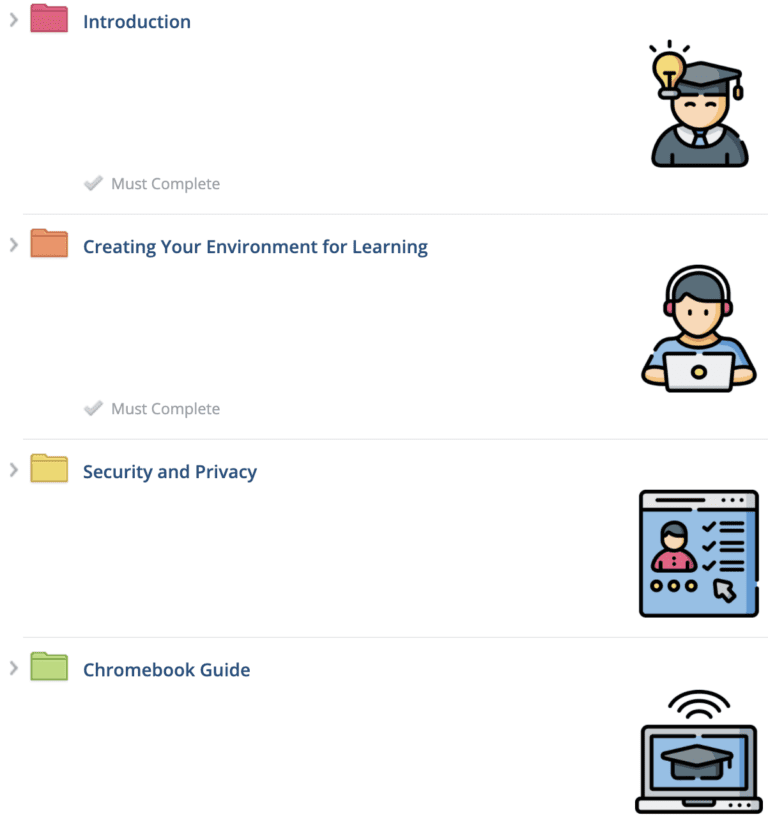
Amy and I have been furiously working to create resources to help establish norms and expectations for digital citizenship. The resources for secondary students are now available. This is version 1 of what will be a set of resources that can be continually updated. Topics include the following: an Introduction, Creating Your Environment for Learning,…
End of content
End of content
© 2025 Dearborn Public Schools | Administration